
Shortcut for YouTube
Available on Google Play
4.4(2,404)
100,000+ installsFreeTools
Updated Aug 27, 2023 · v39.0

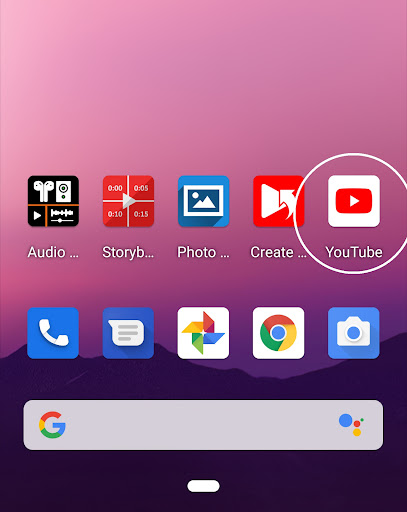


Create shortcuts for YouTube videos on your home screen.
How to create a YouTube shortcut on your home screen. 1. Launch the YouTube app. 2. Touch 'Share' on the video. 3. Touch 'Create Shortcut'. 4. Create a shortcut. 5. A shortcut of the YouTube video is created on the home screen. You can also create shortcuts for YouTube channels and playlists. (Thumbnails are currently not supported for channels and playlists.) Thank you.
6 years on Google Play
This app isn't currently appearing in any tracked top charts.
Rating breakdown
5★
1,869
4★
157
3★
62
2★
94
1★
188