
Deniz: Big clock full screen
Updated Aug 15, 2026 · v4.5: R23.D260814.M26T36


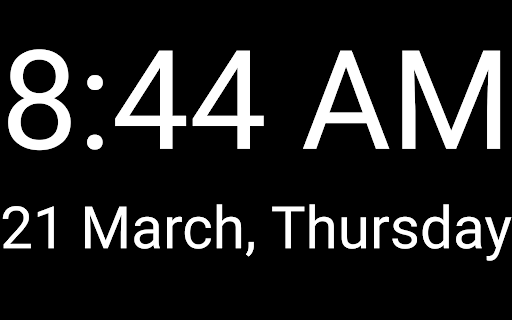


Large and easy to read clock.
How to use: - Tap the app's icon to see the time (9:05). - Tap the screen once to reach the menu button. - Tap the screen once for full screen view. Features: - One or two line display (time or time+date). - Different time and date formats. - Font setting. - Text color setting. - Background color setting. - Line spacing adjustment. - Screen brightness adjustment. - Lock option for portrait or landscape side screen use. - Different widget options for the home screen. Important notes: - You cannot install this application on your device's lock screen. - Device manufacturers do not allow installing applications on the lock screen. - This application is not a screen saver. - The 9:05 text you see on the screen is the icon of the application. This icon is used to run the application. - Add widgets to always see the time on the screen.
7 years on Google Play
This app isn't currently appearing in any tracked top charts.