
Burn-in Oled Check
Updated May 1, 2026 · v3.0

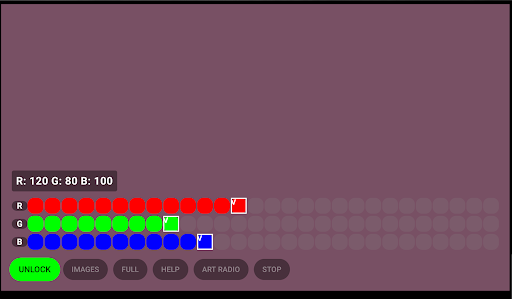


Check your screen for burn-in, dead pixels, and ghosting on OLED & AMOLED.
Keep your display in top condition with the OLED Screen Test. Are you worried about screen burn-in, ghosting, or annoying dead pixels? This minimalist and lightweight tool is designed specifically for OLED and AMOLED displays to help you identify any visual imperfections. Key Features: Full-Screen Color Tests: Cycle through pure Red, Green, Blue, White, and Black to spot any irregularities or sub-pixel failures. Burn-In Detection: Easily identify "ghost images" or shadows left behind by navigation bars and status icons. Dead Pixel Finder: Quickly locate stuck or dead pixels that disrupt your viewing experience. Optimized for All Devices: Works perfectly on smartphones, tablets, and Android TV. How to use: Simply tap the screen to cycle through the different test colors. For the most accurate results, we recommend setting your device's brightness to maximum during the test. Why choose this app? No Ads: A clean experience without distracting banners. Privacy First: No unnecessary permissions, no data collection, and no tracking. Simple & Fast: No complex menus—just the tools you need to check your hardware. Protect your display and detect issues before they become permanent!
0 years on Google Play
This app isn't currently appearing in any tracked top charts.