
Caldwell Ballistic Chronograph
Updated Sep 10, 2024 · v1.50


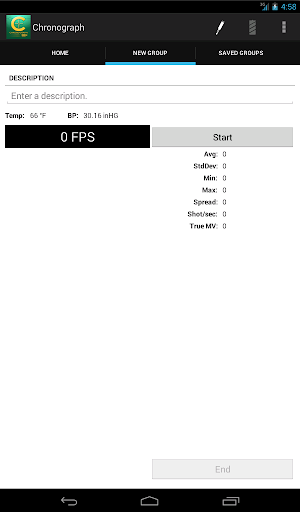
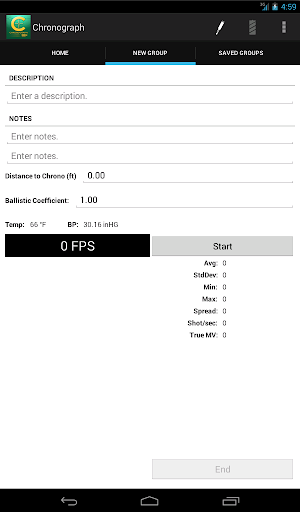


Ballistic Chronograph app for the Caldwell line of Ballistic Chronographs.
The Ballistic Chronograph app is for use with the Caldwell line of Ballistic Chronographs supporting a 3.5mm (TRRS) line-out serial port. For best performance - make sure your device is up to date with the latest software updates provided by your manufacturer and/or carrier. If you are unable to connect your Android device to the chronometer follow these instructions: With the audio cable disconnected at both ends… 1. Connect the audio cable to the Android device 2. Connect the audio cable to the Chronometer Chrono USB Support (v. 1.24+) NOTE: Not all devices support USB. To test if your device has USB support - download and run USB Host Diagnostics by Chainfire from Google Play. A USB 2.0 A-Male to B-Male Cable + a USB On-The-Go Connector is required. These cables can be purchased through Amazon.com, Radio Shack, and other retailers. When prompted to Allow the app Chronograph to access the USB device - Select OK. If you do not see a prompt - check your connection and try again. If you are unable to connect the device - Please ensure your device has USB support.
12 years on Google Play
This app isn't currently appearing in any tracked top charts.