
Configuration Converter
Available on Google Play
5,000+ installsFreeTools
Updated Jul 17, 2025 · v3.4.2
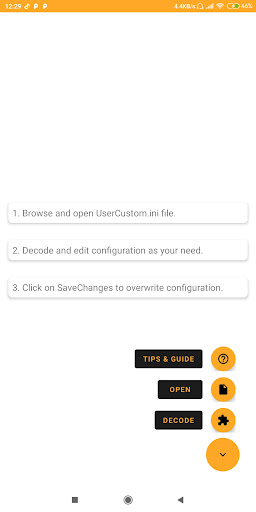


UserCustom.ini converter
This powerfull tool helps you decode/encode configuration code in UserCustom.ini file. How to use? 1. Open file picker 2. Browse for UserCustom.ini file in data directory 3. Click on decode button 4. Edit code as your need 5. Click on save & exit button 6. Click on save file button Backup file will be saved in same directory, in case you want to restore.
5 years on Google Play
This app isn't currently appearing in any tracked top charts.
Rating breakdown
5★
0
4★
0
3★
0
2★
0
1★
0