
Brook Ras1ution
Updated Jul 17, 2025 · v1.69




Play all racing games on different consoles with favorite device by Ras1ution!
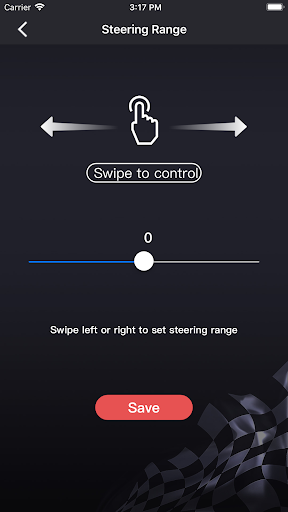
Include all Brook Gaming technology, the great evolution of Brook Super Converter. You can play all kinds of racing games on different consoles with your favorite device by Ras1ution! - Support PS3, PS4, Xbox 360, Xbox One, and Nintendo Switch - Support different kinds of racing wheel controllers - Use a mobile App to update firmware and set rotation angles easily - Enjoy the lag-free game experience After connecting your mobile device to ras1ution by Bluetooth, you can set and save different modes as needed. (The profiles will save in your phone, and you can use it no matter where you are.) Set the controller's button to the steering wheel and save setting for use. 1. Green: Waiting for setting. Select the buttons of controller and define it on steering wheel. 2. Yellow: The button is successfully set to the steering wheel. 3. Blinking: The steering wheel is executing the command which has been setted. 4. Blue: Buttons and steering wheel have defination. 5. White: No defination between buttons and steering wheel.
7 years on Google Play
This app isn't currently appearing in any tracked top charts.