
Zlink carplay Android
Updated Dec 31, 2025 · v1.0.3


Zlink carplay, Smart Car Entertainment & Connectivity
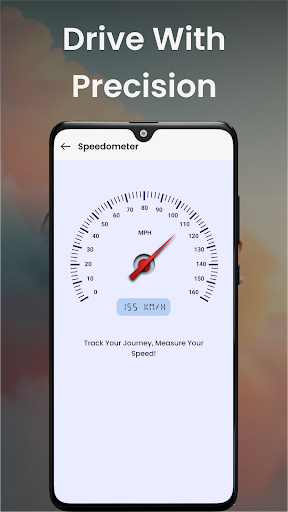
CarDrive – Smart In-Car Entertainment & Connectivity Experience next-level in-car entertainment and seamless device integration with CarDrive. Designed for Android users who want a smoother, safer, and more enjoyable driving experience, CarDrive brings your favorite content, apps and smart features directly to your vehicle’s display. Whether you're on a long trip or your daily commute, CarDrive enhances every moment with intuitive controls and distraction-free features. Key Features Easy-to-Use Interface Navigate effortlessly with a clean, driver-friendly layout designed for quick access and minimal distraction. Smooth Integration With Car Displays CarDrive connects easily to supported car infotainment systems, giving you an instant and reliable setup. High-Quality Media Playback Enjoy crisp, high-definition video playback optimized for large screens, ensuring a smooth viewing experience on the road. Smart Navigation & Communication Tools Get access to navigation, voice-controlled actions, calls and essential apps—all in one connected, car-optimized interface. Designed for Safe Driving CarDrive prioritizes clear visuals, simple controls and distraction-free use to help maintain focus while driving. Why Choose Zlink carplay? Zlink carplay is built for drivers who want more control, more convenience and more entertainment inside their vehicle. It turns your car into a smarter multimedia hub, giving you quick access to videos, navigation, music, messages and more—all while keeping usability simple and safe. Whether you're traveling across the country or heading to work, zlink carplay makes your ride more enjoyable, connected and efficient. How to Get Started 1. Download & Install Install CarDrive from the Google Play Store. 2. Connect Your Device Follow the in-app guide to link your Android device with your car’s supported infotainment system. 3. Enjoy the Drive Start streaming, navigating and accessing essential apps right from your dashboard display. Stay Updated Upgrade your car. Upgrade your journey. Download Zlink carplay today and enjoy smart entertainment on the road.
0 years on Google Play
This app isn't currently appearing in any tracked top charts.