
OpenClaw for Android – andClaw
Updated Jul 29, 2026 · v2.3.1
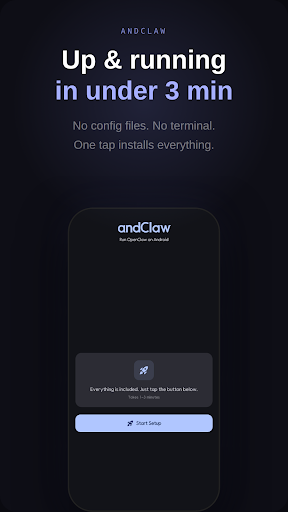


Install and run OpenClaw locally on Android.
Install and run OpenClaw directly on your Android phone. andClaw helps you set up and use an OpenClaw gateway locally on your device. You can get started on Android without a cloud VM or a separate server. The app bundles the components needed to run OpenClaw in one place. Setup usually takes about 1-3 minutes, and after setup you can review gateway status and manage settings from your phone. Supported messengers - WhatsApp - Telegram - Discord You can connect AI agents through the messaging apps you already use. Supported AI providers - OpenRouter - Anthropic (Claude) - OpenAI (ChatGPT) - Google (Gemini) - OpenAI Codex - GitHub Copilot - Z.ai - Kimi Code - MiniMax - Custom OpenAI-compatible APIs OpenRouter also offers models you can try without extra cost. Privacy The gateway runs locally on your device. Your API keys and settings stay on your phone. Connections are made directly with the AI providers you choose. Key features - Simple OpenClaw setup - Local on-device operation and management - Multiple AI provider options - WhatsApp, Telegram, and Discord integration - Built-in settings and status monitoring - Support for 15 languages Notes - This app is not an official OpenClaw app. - An arm64 Android device is required.
0 years on Google Play
This app isn't currently appearing in any tracked top charts.