
Screen Recorder - Video Editor
Updated Apr 15, 2026 · v10.1.7


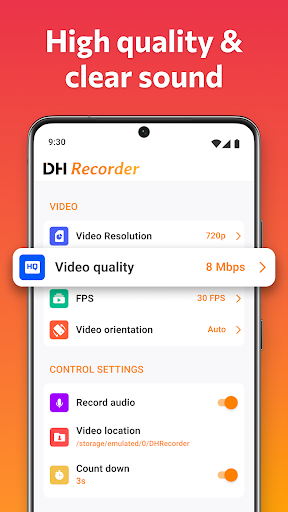

Screen Recorder app has sound to record screen and screenshot in high quality!
Screen Recorder: High-Quality Screen Recording & Video Editing Screen Recorder - Video Editor is designed to make recording your screen as easy and flexible as possible, allowing you to capture high-quality video and audio on Android with just a tap. What Makes Screen Recorder Unique? ✅ Clean Recordings – No intrusive watermarks ✅ Unlimited Recording – Capture without restrictions ✅ Simple Setup – No need for root access; start recording instantly ✅ With Screen Recorder, all it takes is a quick tap to start capturing your screen. It’s made for Android users who want smooth, HD recordings for personal or professional use. Fantastic features of Screen Recorder app: + One-tap screen capture for quick and easy recordings + Capture gameplay and other apps seamlessly + Facecam integration for adding your reactions directly onto recordings + Internal audio support for rich, clear sound on supported devices + A suite of editing tools: cut, add music, control playback speed, and more + Annotation tools for adding visuals or notes while recording + Flexible export settings up to 1080p with customizable frame rates + Advanced Editing Options + Trim sections to refine your videos + Add background music or sound effects to enhance your recordings + Speed controls for slow-motion or time-lapse effects + Direct sharing options for easy posting across platforms 📸 No-Watermark Recording ensures your screen recordings are clean and professional. Forget time limits, watermarks, or complex setups – Screen Recorder - Video Editor brings a professional-grade recording experience directly to your device, whether you’re recording gameplay, tutorials, or live events.
4 years on Google Play
This app isn't currently appearing in any tracked top charts.