
OS Monitor: system manager
Updated Aug 11, 2026 · v2.3


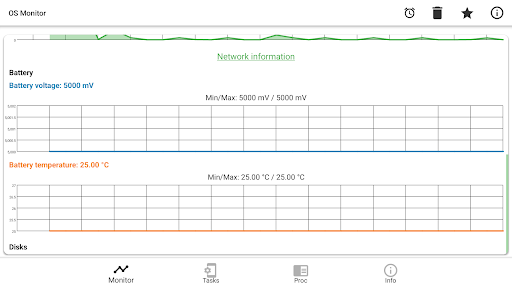


Get advanced tasks monitor, system usage detector and device battery info
Lightweight real-time monitor for your Android device. OS Monitor displays live system metrics including system load, RAM usage, network traffic, battery status, and disk I/O — all presented with clear charts and detailed statistics. The app also provides comprehensive device information: hardware specs, display details, sensors, SIM card data, and more. APP FEATURES: • Real-time OS resources usage charts • Network traffic monitoring (received and transmitted) • Battery voltage and temperature tracking • Detailed device information (hardware, software, components) • System info: OS version, security patch, bootloader, kernel
7 years on Google Play
This app isn't currently appearing in any tracked top charts.