
DocHub: Edit, Sign & Share PDF
Updated Oct 22, 2026 · v1.20.1




PDF editor, eSign & fillable forms for Android. Google Workspace integrated
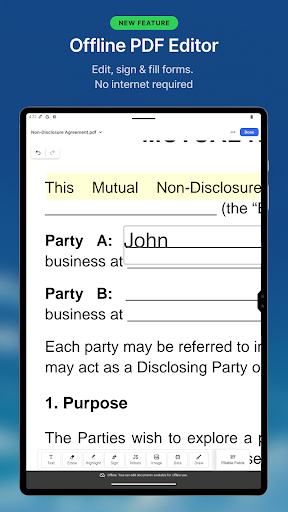
DocHub brings your entire document workflow to mobile — trusted by 100 million users worldwide. Add, edit, sign, and share PDFs, now with an AI Assistant (free after 30 days, unlimited with Pro) and Offline Editing (Pro). Edit PDF on your phone Can you edit a PDF on mobile? Yes — tap any PDF to open it in the editor. Add or change text, insert images, annotate, highlight and whiteout sensitive info. Save and share in seconds. eSign PDF & collect signatures Sign a PDF yourself or send it to others for signing. Recipients sign via email link — no account needed to sign. Set Signing Order, send with Bulk Send, or use In-Person Signing and Kiosk Mode. Create fillable forms & templates Turn any PDF into a fillable form — text fields, checkboxes, signature boxes, dropdowns. Save as reusable template. Scan, upload & organize documents Scan with your camera — auto-converted to PDF. Import from Google Drive. Organize in folders. Secure & Google Drive integrated Does DocHub work with Google Drive? Yes — import and export directly. End-to-end encryption, biometric auth. SOC2, GDPR, HIPAA. Privacy Notice: https://dochub.com/site/privacy Terms of Service: https://dochub.com/site/terms
2 years on Google Play
This app isn't currently appearing in any tracked top charts.