
Smart Switch -Phone Clone Data
Updated Aug 12, 2026 · v5.8.2




Transfer all your data between phones easily.
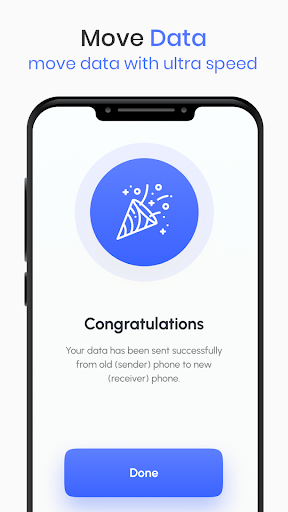
Summer is here, and so is the latest version of Phone Clone Transfer All Files! This update includes a number of new features and improvements, making it the best way to transfer your data between phones. Here are just a few of the things you can do with Phone Clone: * Transfer photos, videos, contacts, and more with just a few taps. * Create a secure connection between your phones using QR code scanning. * Transfer data between phones of different brands and models. * Transfer data over Wi-Fi or mobile data. * Set up automatic data transfers so you never have to worry about losing your data again. With Phone Clone, you can easily and securely transfer all of your important data between phones. So what are you waiting for? Download Phone Clone today! Here are some of the features of Phone Clone: * Super-fast data transfer speeds: Phone Clone uses a secure Wi-Fi connection to transfer data between phones at speeds up to 12MB/s. * Cross-platform compatibility: Phone Clone works with phones running Android 5.0 and above, regardless of brand or model. * User-friendly interface: Phone Clone's simple and intuitive interface makes it easy to transfer data between phones, even if you're not tech-savvy. * Automatic data transfers: Phone Clone can be set up to automatically transfer data between phones at regular intervals, so you never have to worry about losing your data again. So what are you waiting for? Download Phone Clone today and start transferring your data with ease! How to use Phone Clone: 1. Install Phone Clone on both of your phones. 2. On the old phone, select "Send" and on the new phone, select "Receive". 3. Scan the QR code on the new phone with the old phone. 4. Select the data you want to transfer and click "Transfer". 5. Wait for the transfer to complete. For more information, please visit our website or contact us at support@phoneclone.com.
6 years on Google Play
This app isn't currently appearing in any tracked top charts.