
Drawboard PDF - Pro
Updated Jun 24, 2026 · v3.2.2




Mark up, store and share your PDFs for Drawboard Pro subscribers
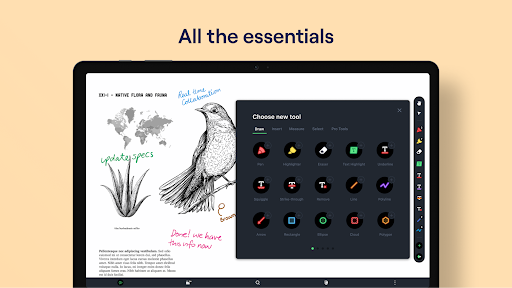
Early access to Drawboard PDF for Pro users is here! Drawboard PDF is the world’s first multi-platform PDF app with live sync and share capabilities. After the overwhelming success of the Drawboard PDF Windows application with over 10 million users, Drawboard PDF is now available on Android as well as iOS, Mac, and Web. Drawboard PDF for Android is intended as an extension of the powerful Windows application for Pro users. Pro users can now access the Drawboard PDF app, where they can view their Drawboard Cloud Synced docs, and apply markup and changes with their touchscreen and stylus. Features offered: - Clean clear canvas with fast and easy navigation - Markup your PDF with Drawboard ink, via finger touch or stylus - Create new documents with lined templates - Calibrate and take accurate measurements - Highlight, underline, place callouts, and more - Insert shapes, lines, and text NOTE: you will require a Drawboard PDF Pro license to use this application. Trials and purchases are available in the app.
3 years on Google Play
This app isn't currently appearing in any tracked top charts.