
Alphabetical Notepad 2
Updated Jun 4, 2024 · v5.1


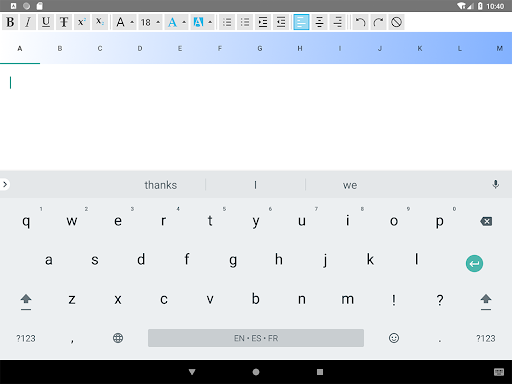


Alphabetical Notepad with text formatting options and password protection
With this application, you can sort addresses and phone numbers, vocabulary of foreign languages, cooking recipes, etc. This application has the following features: - A tab for each letter of the alphabet: allowing you to organize your information well. - Text formatting and layout options. - You can choose to install a password that will protect access to your information. Everything is intentionally simple, there is no menu or button to save: what you write is automatically saved. You don't need to be connected to the Internet to retrieve your information, everything is stored in the memory of your device: your data is thus always available. When connected to the Internet, you can use the voice input function: press the keyboard key representing a microphone to activate it. If this key does not appear, go into the configuration settings and validate: "Voice inputs". With Auto Backup for App enabled, you will retrieve your data during a new installation of the application whether it's on the same device, another phone, or a tablet."
9 years on Google Play
This app isn't currently appearing in any tracked top charts.