
Foxbit Icon Pack
Updated Mar 25, 2026 · v1.2.1


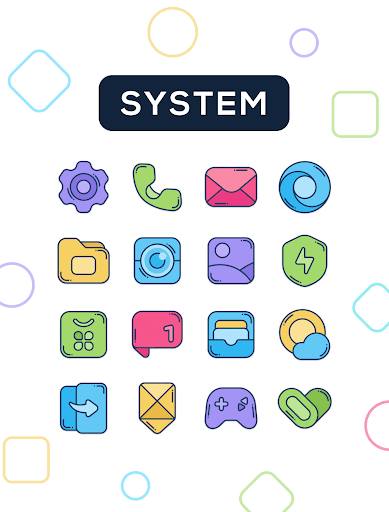


Modern and colorful icons, designed with love
Tired of the same old icons? Foxbit brings a fresh, colorful concept designed to illuminate your home screen with modern, clean, and vibrant icons. Each icon has been carefully crafted with smooth lines and balanced colors Features: ★ 2400+ Icons ★ 30 Wallpapers ★ Dynamic calendar icons ★ Support for many launchers How to apply these icons? 1. Install a compatible launcher 2. Open Foxbit, go to the Apply section, and select your launcher Compatible Launchers: Smart Launcher, Nova Launcher, Lawnchair, Action Launcher, Apex Launcher, Flick Launcher, GO Launcher, Hyperion Launcher, Lucid Launcher, Microsoft Launcher, Mint Launcher, Niagara Launcher, Pie Launcher (These launchers have been tested and are fully compatible, may also work with other unlisted launchers) How to apply on Samsung phones? 1. Download Good Lock (Theme Park) from Galaxy Store 2. Open Theme Park and select Icon > Create New 3. Choose Foxbit Icon Pack, assign a name, and save 4. Select the pack and tap Apply Contact If you have questions or suggestions, contact me at edzon.dm@gmail.com
6 years on Google Play
This app isn't currently appearing in any tracked top charts.