
Upgrado
Available on Google Play
1.6(384)
100,000+ installsFreeTools
Updated Sep 10, 2025 · v1.2.3


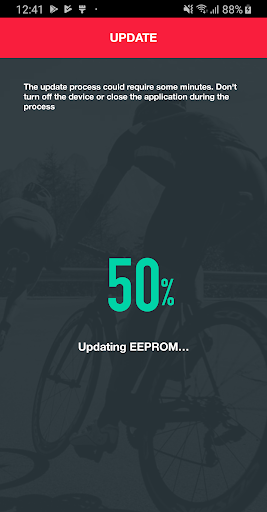

App to upgrade the firmware of some Elite indoor trainers.
The app automatically checks if there’s an available firmware and, if the user confirms, it proceeds with the update. Tips / troubleshooting: - Be sure that the trainer is powered and the blue led is blinking. - Keep the device close to the trainer to improve the transmission - Close the all the app using Bluetooth in background (my E-training, Zwift, TrainerRoad, The Sufferfest, etc…) - If you have problem in the connection, try rebooting the phone/tablet and the trainer. If this doesn’t fix the problem, contact us at myetraining@elite-it.com
6 years on Google Play
This app isn't currently appearing in any tracked top charts.
Rating breakdown
5★
20
4★
20
3★
30
2★
20
1★
293