
ClinicalKey Student Bookshelf
Updated Mar 17, 2026 · v11.3.1


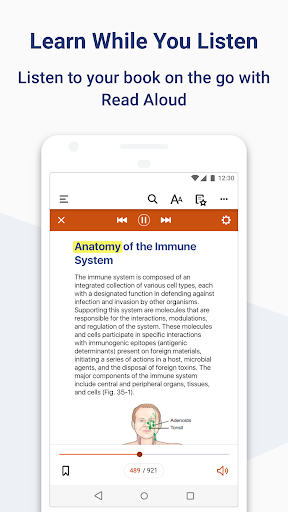


Use ClinicalKey Student Bookshelf app to access your personal bookshelf.
Download the ClinicalKey Student Bookshelf app to access your personal bookshelf across all devices whenever you need it. Enhance your study experience with tools designed to build and improve your medical knowledge; making and sharing notes, highlighting key text and creating flashcards. Requirements: • Android 5.0+ • ClinicalKey Student account • The app is available in the following languages: English, Spanish, French, German, Portuguese How to Access: • Download the app for free and open it. • On the welcome screen, click Sign In with your CK Student email and password. NOTE: The first time you log in, you must be on your university network. • If you have been given a Registration ID to create your account, you must first redeem the Registration ID via your web browser: 1. Go to https://www.clinicalkey.com/student/register and follow the steps on-screen. 2. You can then use your login to sign into the Bookshelf app. • The app will synchronise any books you have added from CK Student (NOTE: you must first add content via CK Student online to see it appear in the app). For Support and FAQs, go to https://service.elsevier.com/app/home/supporthub/ckstudent/
8 years on Google Play
This app isn't currently appearing in any tracked top charts.