
Game Emulator: Retro Games 90s
Updated Aug 28, 2026 · vVARY
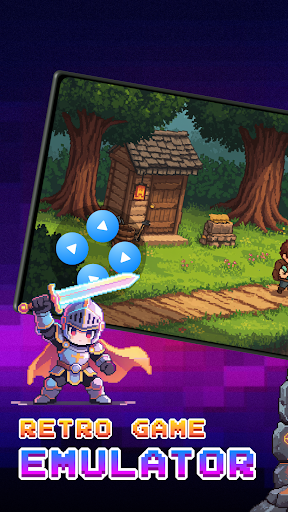


Game Emulator: Retro Games - Enjoy classic games with simple emulator controls
🎮 Game Emulator for Retro Games Game Emulator is designed for fans of Retro Games who want a simple and modern way to play. The app lets you enjoy classic games with a smooth and user-friendly experience. Whether you are a long-time retro gaming fan or just discovering classic titles, this app makes it easy to start playing on your device. ⚡Discover Retro Games Explore and play your own classic-style game files on your device. This app helps you play classic-style titles, including diverse classic games. 🎮 Multiple Retro Game Platform support This Game Emulator supports multiple classic platform formats, giving you a nostalgic gaming experience on your device. 🎨Favorite Custom Skins Customize your Game Emulator with beautiful skins: Basic One, Ocean Night, Dreamy Red, Purple Retro Switch skins to match your favorite Retro Games style and personalize your classic games experience. 💾AutoSave: Automatically saves your game progress so you can continue playing from where you left off. This feature helps prevent losing progress when you exit the Game Emulator or switch apps 🕹️How to use Game Emulator - Retro Games: - Obtain legally owned files of your favorite classic games from trusted sources. - Your files will be stored in the "Downloads" or "File Manager" folder. - Open Game Emulator and tap the “+” button on the home screen. - Select your game file from storage and start playing instantly. ⚠️Important Notice - This Retro Games app does not include any copyrighted games or ROM files. - Users must provide their own legally obtained game files to use with this Game Emulator. - This app is not affiliated with or endorsed by any game companies or console manufacturers. Enjoy a nostalgic gaming experience with customizable controls and flexible settings built for everyday use. Start playing Retro Games today with this powerful Game Emulator.
This app isn't currently appearing in any tracked top charts.