
이승윤 응원봉
Updated Jul 27, 2026 · v2.3.0


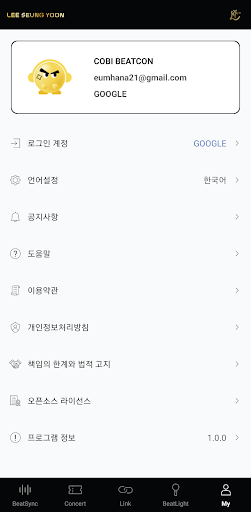
LEE SEUNG YOON Official Light Stick App
[App Service Information] 1. Bitsync Play Service - Enjoy the fun of directing the lightstick in your hand according to the official YouTube content. 2. Concert linked service - At the concert, the artist and we become one through the official lightstick. 3. Light stick management service - Manage your own light stick with the light stick status and the latest software version upgrade. ※ Precautions when connecting the light rod - Please allow all required permissions when using the app. Some functions may be restricted when permission is denied. - Please activate the Bluetooth and location functions before connecting the lightstick. - If the battery level of the lightstick is low, the power may be turned off. ※ Things to note before watching the performance - Concert linked service will be announced before the performance through the official channel. - When connecting to a concert, please enter the seat information of your ticket accurately and link it to your lightstick. - On the day of the concert, service failures may occur due to a large number of users, so please link in advance. - When linking is completed through the application, change the lightstick mode to normal mode. - Please replace the light stick with a new battery (alkaline battery) so that the light stick does not turn off during the performance. [Usage Mode Guide] 1. Power ON/OFF (Long click button) - Press and hold the button for about 3 seconds to turn the power ON/OFF. 2. Normal mode (click button) - When the button is pressed briefly in the power ON state, various color modes are changed. 3. Application mode (double click button) - Double-click the button to switch to application mode. Double-click the button again to return to normal mode.
3 years on Google Play
This app isn't currently appearing in any tracked top charts.