
Litchi Magic Leash
Updated Oct 28, 2025 · v1.3


Litchi's Magic Leash enables your DJI drone to follow you anywhere!
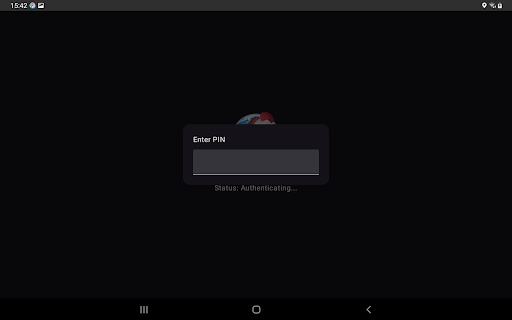
Pair your mobile device with another mobile device running Litchi, and your DJI drone will be able to follow you without having to carry the remote controller around! Litchi Magic Leash requires another mobile device running Litchi: https://play.google.com/store/apps/details?id=com.aryuthere.visionplus How to use Litchi Magic Leash: Requirements: - one DJI drone - one mobile device with internet access and Litchi installed - one mobile device with internet access and Litchi Magic Leash installed 1. Start Litchi (https://play.google.com/store/apps/details?id=com.aryuthere.visionplus) on the mobile device connected to the DJI remote controller 2. Switch to Follow mode 3. Tap the Magic Leash Button (top left) to connect, and remember the PIN code that pops up 4. Start Litchi Magic Leash on the second mobile device 5. Tap the Connect button and when prompted enter the PIN code from step 3 6. Your two mobile devices are now paired. 7. Start Follow me in Litchi 8. Your DJI drone will now follow the second mobile device which is free of the remote controller Learn more at https://flylitchi.com/help#follow-p3
10 years on Google Play
This app isn't currently appearing in any tracked top charts.