
Screenshot - Screen Capture
Updated Nov 20, 2025 · v1.11
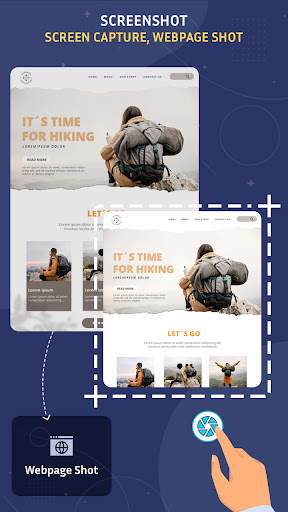


Capture screen & webpage fast with floating button. Edit & share screenshots.
Screenshot - Screen Capture, Webpage Shot & Image Editor Looking for the fastest and easiest way to capture your screen? 📸 Screenshot - Screen Capture is a powerful yet lightweight screen capture app that lets you take high-quality screenshots, capture webpages, and edit images instantly—perfect for everyday use or professional needs. ✨ Key Features: ✅ One-Tap Screenshot Capture your screen with a single tap using the floating button or notification bar shortcut. No root required! ✅ Webpage Screenshot (Full Page) Capture full or partial web pages in high resolution—ideal for saving articles, chats, and documents. ✅ Floating Button & Overlay Tool Access the screenshot feature anytime with our easy-to-use floating control—perfect for gamers, students, and professionals. ✅ Edit Captured Screenshots Crop, add text, draw shapes, insert emojis, and apply image filters—turn basic screenshots into shareable content in seconds. ✅ Save in JPG or PNG Format Choose your preferred image format and quality level to save space or preserve detail. ✅ Built-in Screenshot Gallery View, manage, and share all your screenshots from one organized place. ✅ Share Instantly Quickly share your screenshots via WhatsApp, Instagram, Gmail, or any app you choose. Why Choose Screenshot - Screen Capture? ✔ Fast screen grabber with clean UI ✔ Lightweight and battery-friendly ✔ Works on all Android devices ✔ Supports scrolling screenshot for full-page capture ✔ Optimized for Android 13 & above 📲 Whether you're a content creator, student, gamer, or casual user—Screenshot - Screen Capture is your ultimate tool for grabbing, editing, and sharing screen content with ease. 🔽 Download now and start capturing your screen smarter & faster than ever!
5 years on Google Play
This app isn't currently appearing in any tracked top charts.