
PL2303 GPSInfo
GlobalSat WorldCom Corporation
Updated Jul 20, 2017 · v2.17.0719


USB/Micro USB GPS Receiver test program
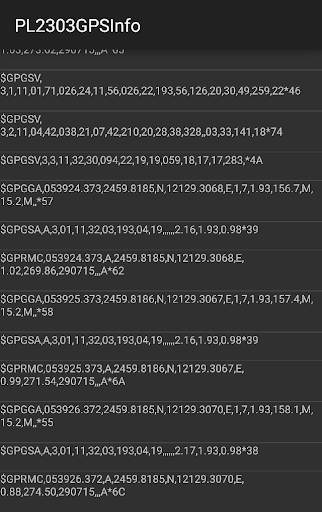
The PL2303 GPSinfo App is an App that will allow you to use your external GlobalSat USB GPS receiver as your main GPS source. How to use: 1.) Enable "Allow mock locations" on your device by going to Device Settings > Applications > Development > turn on or check "Allow mock locations". 2.) Plug in your USB GPS receiver. 3.) Open up the GPSInfo App 4.) Click "Start GPS" 5.) You should then be able to see the GPS data by tapping on "NMEA Data" and "GPS Data". 6.) Now any App that uses GPS will use your external GPS. If you want to record the NMEA log, check the box "Enable/Disable NMEA log". The NMEA Log will be recorded in "/sdcard/nmea". Known compatible devices : - BU-353-S4 - ND-105C - ND-100S Not compatible with BU-353
11 years on Google Play
This app isn't currently appearing in any tracked top charts.