
GRBL Nothing Weather 5
Updated Nov 1, 2025 · v1.0.0


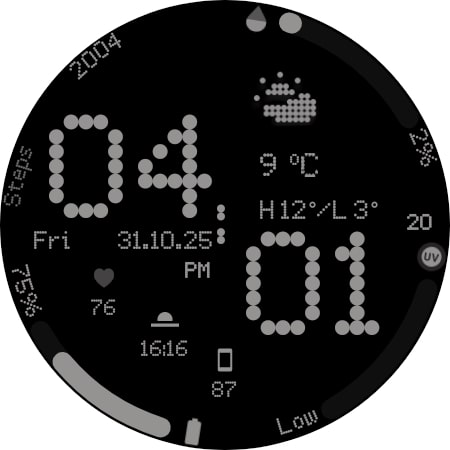
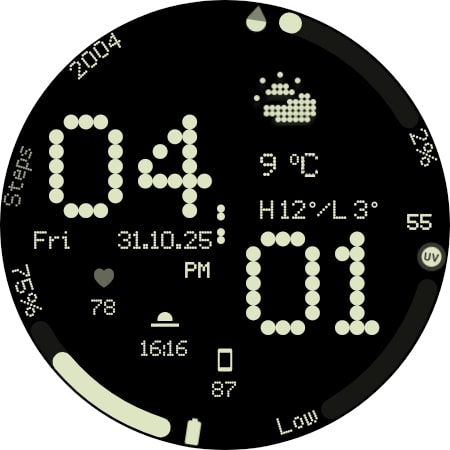


Modern watch face with custom weather icons Designed for Wear OS
Nothing OS Inspired Watch Face for Wear OS Upgrade your Wear OS smartwatch with a sleek, minimalistic watch face inspired by Nothing OS. Perfectly designed to blend style and functionality, it gives you quick access to time, date, weather, and custom complications. Why You’ll Love It: ✅ Elegant AM/PM & 12H/24H time formats ✅ 7 fully customizable complications ✅ 11 unique weather icons for instant forecasts ✅ Date adapts automatically to your locale ✅ Always-On Display (AOD) with theme-matching colors ✅ 16 eye-catching themes to match your style Your watch must be running Android 14 or higher Quick Tips for Weather Complications: Update weather manually after installing. If it doesn’t appear, switch to another watch face and back. Fahrenheit users: initial sync may show high temperatures; it updates automatically. Installation Made Simple: From your Play Store app: Select your watch from the drop-down menu and install. Long press your watch screen → swipe left → tap ‘ADD WATCH FACE’ to activate. From your Play Store website: Open the watch face listing on your PC/Mac browser. Click “Install on more devices” → choose your watch. Long press your watch screen → swipe left → tap ‘ADD WATCH FACE’ to activate. 📹 Samsung Developers video with installation tips: Watch Here Note: The companion app opens the Play Store listing only; it does not install the watch face automatically. For phone battery status on your watch, install the Phone Battery Complication app. Custom complications may vary by third-party apps. Need Help? Email us at grubel.watchfaces@gmail.com
0 years on Google Play
This app isn't currently appearing in any tracked top charts.