
Blur Faces in Video
Updated Feb 14, 2026 · v1.0.3



Hide faces in your videos by applying blurring or pixelation.
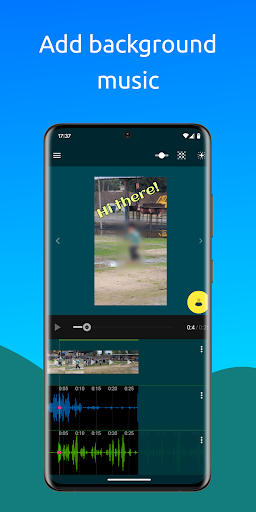
Protect Privacy in Your Videos with Ease! Hide the identity of people in your videos by blurring or pixelating their faces—quickly and effectively. - AI-Powered Automatic Face Detection: Let the app detect faces for you (faces must be clear and large enough). Simply select the ones you want to blur, and the app will automatically apply the effect. Adjust the blur level and size to your preference. - Manual Mode for Full Control: Place static shapes (squares or circles) over any area of your video, not just faces. Add as many as needed throughout the video and set their start and end times with ease. Perfect for precise editing or when automatic detection isn’t suitable. - Combine Both Modes: Use automatic and manual methods together for maximum flexibility. - Extra Features: Add text and background music to personalize your videos further. With an intuitive interface and powerful features, this app makes it simple to protect privacy and enhance your videos.
1 year on Google Play
This app isn't currently appearing in any tracked top charts.