
Language Translator Offline
Updated Jul 21, 2026 · v13


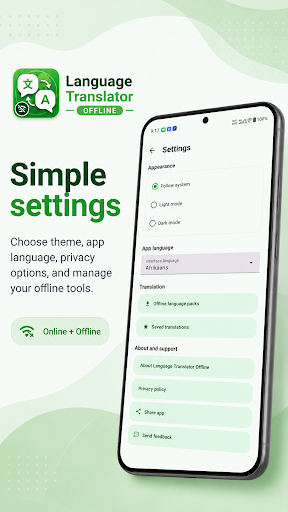
Translate text online or offline with downloadable language packs and history.
Translate text quickly with Language Translator Offline, a simple translator designed for online and offline use. Use online translation when you have an internet connection, or download supported language packs for translation without internet. When an offline model is unavailable, the app lets you choose whether to download it or continue online. KEY FEATURES • Online and offline text translation • Downloadable language packs for offline use • Automatic language detection • Easy source and target language selection • One-tap language swap • Translation history for recent results • Save useful translations for later • Copy, share, and edit translated text • Light mode, dark mode, and system theme • Simple, modern interface HOW IT WORKS 1. Enter or paste your text. 2. Choose the source and target languages. 3. Tap Translate. 4. Use an installed offline model, download a language pack, or translate online. 5. Copy, share, edit, or save the completed translation. OFFLINE TRANSLATION Download supported language models once and use them later without an internet connection. Offline availability depends on the selected language. ONLINE TRANSLATION Online mode provides a fallback when an offline language model is not installed. An internet connection is required, and the text you submit is sent to the online translation service to produce the result. Language Translator Offline is useful for travel, study, work, messaging, and everyday multilingual communication.
5 years on Google Play
This app isn't currently appearing in any tracked top charts.