
Voice Control Set Up
Updated Dec 25, 2023 · v2.0 (47)


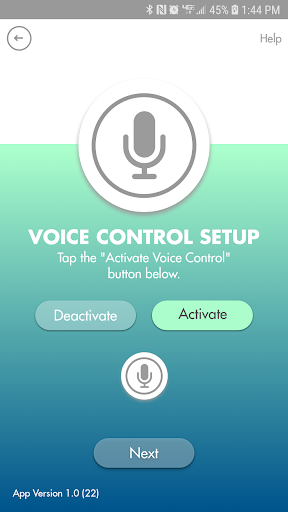

Activate the Voice Control button on your eKids karaoke machine.
Use this Voice Control Set Up App to activate the Voice Control button on your eKids karaoke machine in a few simple steps. By default, the Voice Control button on certain karaoke machines is shipped needing activation before use. This allows parents to decide whether or not to activate the feature on their product. Use of the App to activate the Voice Control button is one-time only. Once permission has been granted, and the Voice Control feature has been activated, the App is no longer needed to enjoy your product. Just press the Voice Control button on your karaoke machine whenever you want to use the feature. Questions? Visit www.ekids.com
8 years on Google Play
This app isn't currently appearing in any tracked top charts.