
親指シフトTouch!!
Updated Aug 22, 2026 · v5.0.14

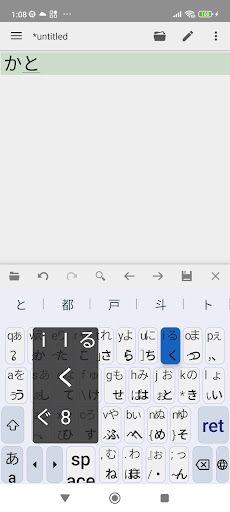


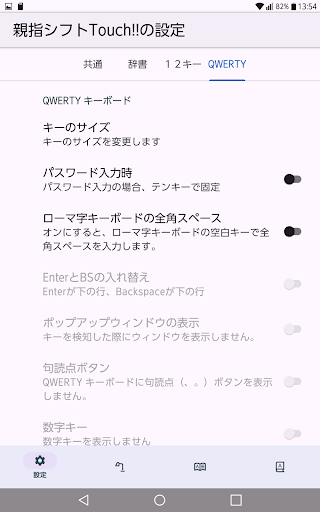


This system enables thumb-shift input on a touchscreen. Perfect for those just learning thumb-shift!
This system enables thumb-shift input on a touchscreen. It's perfect for those already using thumb-shift, those learning it, and even those who previously used thumb-shift input! With new 6-way flick technology, you can input hiragana, uppercase and lowercase English letters, numbers, and all half-width symbols without changing modes. A guide appears when you press a key. Tapping a key directly inputs "down kana," flicking to the upper right inputs "up kana," flicking diagonally downwards towards the center inputs "voiced consonants in down kana," flicking to the upper left inputs "lowercase English letters," flicking upwards inputs "uppercase English letters," and so on. It might be better to use it in landscape mode rather than portrait mode. Its advantage over Roman alphabet input is that it allows for efficient typing in Japanese. It has many advantages compared to the currently mainstream flick input method. We plan to make various improvements in the future. Please leave any requests or suggestions in the reviews or on the support page's bulletin board.
0 years on Google Play
This app isn't currently appearing in any tracked top charts.