
McGraw Hill K-12 Portal
Updated Jun 1, 2026 · v1.6.1




Access your eBook and resources, plus offline reading and notetaking
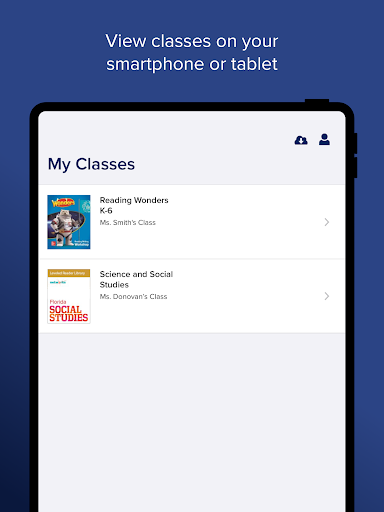
The McGraw Hill K-12 Portal app lets students easily access McGraw Hill courses, eBooks, and resources anytime, anywhere. To get started, simply log in with your username and password. You will see all your McGraw Hill courses and can select a course to view the eBook and resources. Enjoy a mobile-friendly reading experience in your eBook with easy navigation and helpful viewing tools like pinch, zoom, and text search. Select on-page links to view interactive resources and use the embedded tools (notes, bookmark, highlighter, and even a pen to write on the screen) to stay organized. Looking for a specific resource? Quickly locate what you need with search and filter options. Need to work offline? No problem! K-12 Portal supports offline access – you can even take notes, highlight, and place bookmarks while you are offline. Everything will sync when you reconnect to wi-fi or data.
4 years on Google Play
This app isn't currently appearing in any tracked top charts.