
Signature Capture
Updated Mar 14, 2016 · v6.0


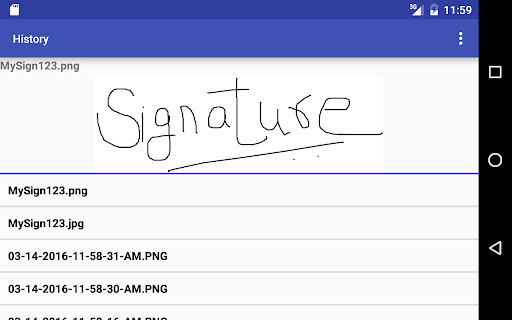


Capture Signature, Take Notes, Share, Save in device or in cloud
Sign on the screen and save it to the device. Share the signature as image file. Send signature as attachment to an email or to any popular app. Integrate with Cloud Storage. This integration allows to save signatures directly to your personal cloud storage folder. History screen shows the list of all the signatures. Delete or share the signatures from History screen. Take Notes, Sign at the bottom and save the whole document as an image file in the download folder of your device. History screen shows the list of all the notes. Delete or share from the history screen or from the main screen. Signatures can be re-sized to suite the document. Settings screen is used to configure the app to integrate with Cloud Storage. If integrated, all Signatures and Notes are saved to your cloud folder.
10 years on Google Play
This app isn't currently appearing in any tracked top charts.