
Bank Statement Conversion
Updated Jul 19, 2026 · v4.0.2


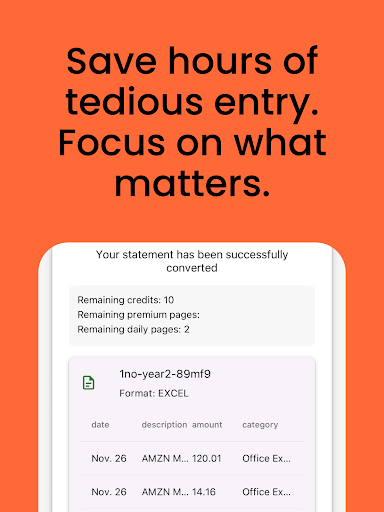


Convert PDF bank statements to Excel, CSV, OFX, QuickBooks, and more formats.
Convert bank and credit card statements from PDF to Excel, CSV, OFX, and more. Bank Statement Converter helps you extract transaction data from scanned or digital PDF statements in seconds. Designed for accountants, bookkeepers, and business owners who need accurate, editable data — without the manual work. Key Features: Convert bank statements from PDF or scans Export to Excel (.xlsx), CSV, OFX, QuickBooks (.qbo), and Xero Supports thousands of banks and credit card formats Advanced AI handles multi-column, messy layouts, and scanned documents Clean, structured output for easy importing and reporting Works for personal finances, small business, or professional accounting Why Users Choose Bank Statement Converter: Save hours of manual data entry Ideal for tax season, bookkeeping, and reconciliation Trusted by finance professionals worldwide Supports bank and credit card statements from any country Works offline — no account required Easy to Use: Upload your PDF bank or credit card statement Our AI extracts your transactions accurately Download your data in the format you need Data Privacy and Security: All processing uses enterprise-grade encryption. Supported Use Cases: Convert PDF to Excel for monthly reports Import CSV or OFX into QuickBooks or Xero Extract credit card transactions for reimbursements Speed up accounting workflows with batch processing Whether you're preparing tax reports, organizing finances, or managing books for clients, Bank Statement Converter is the easiest way to turn static PDFs into actionable data.
1 year on Google Play
This app isn't currently appearing in any tracked top charts.