
NOMone VR Browser Remote
Updated Oct 31, 2025 · v0.9


Control NOMone VR Browser using your old Android phone or tablet
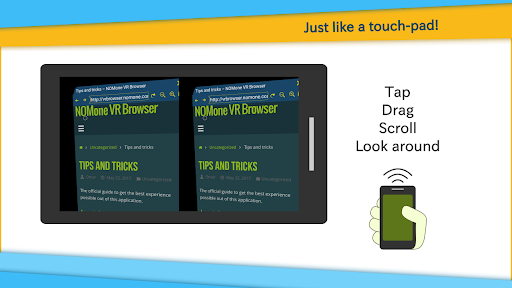
Control NOMone VR Browser using your old Android phone or tablet. Get NOMone VR Browser: https://play.google.com/store/apps/details?id=com.nomone.vrbrowser Of all the input devices supported by NOMone VR Browser, using another phone as a remote is among the most comfortable experiences. You can control every aspect of the browser with minimal effort. It works like a typical touch-pad: • Drag to move the cursor. • Tap then drag to perform a drag. • Tap then long-press to perform a long press. • Use the volume keys to scroll up and down. You can connect the two phones using Wifi or Bluetooth: 1. Bluetooth • On the phone running the browser: - Turn on Bluetooth. • On the phone running the remote app: - Select 'Bluetooth', then select 'Pair with another device'. - Search for devices, and pair with the phone running the browser. - Go back to the app and select 'Connect to a paired device'. That's it! Now you can use the remote device to control the virtual cursor and/or looking-around (if enabled) on the browser phone. 2. Wifi • On the phone running the browser: - From the menu, choose "Remote control". The remote control configuration should now appear. - Enable remote control. - Remember your IP (should be written in green), • On the phone running the remote app: - Make sure you are connected to the same WIFI network as the browser phone. - Enter the IP address and press connect. That's it! Now you can use the remote device to control the virtual cursor and/or looking-around (if enabled) on the browser phone. If you have any issues or suggestions, please email us: support@nomone.com
8 years on Google Play
This app isn't currently appearing in any tracked top charts.