
Tetrd: USB Universal Tethering
Updated May 21, 2026 · v1.3.2

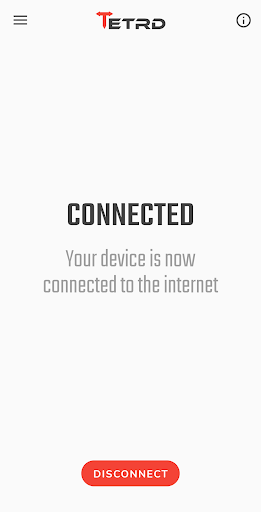


USB tethering and reverse tethering: share your internet from or to your device.
Tetrd is a simple tool that allows you to share your internet connection from your device to your PC and vice versa through a USB cable. You can try it free for three days! When your free trial ends, you can purchase Tether Pro for unlimited tethering, Reverse Tether Pro for unlimited reverse tethering, or Universal Tether Pro to get both at a discounted price. Tethering Tethering allows you to share your device's wifi or mobile internet connection with your PC. You can use this if your carrier or data plan doesn't allow you to enable the built-in tethering feature of your device. Or if you have an unlimited data plan, but your carrier caps your hotspot/tethering usage to a certain amount, say 7GB. Reverse Tethering Reverse tethering allows you to share your computer's internet connection with your device. Use this if you're having issues with your device's wifi connection such as unstable ping or disconnections especially when playing games and your PC is connected to the internet via an ethernet cable. It can also be used in situations where wired internet is the only available option. Note: Some apps only check for wifi or cellular connectivity and will not have internet access when reverse tethering. Additional Features • No root required • No USB debugging required (except on Windows) • Fast link speed (200Mbps+ on some devices) • Multiple devices can be reverse-tethered simultaneously • Local network (see server app settings) • Auto-connect (see app settings) • Supports ICMP echo/ping (requires Android 6+) • Configurable network settings VPN Usage The app creates a local VPN so that your device can send data to your computer via USB. This is required when reverse tethering and optional when tethering. When tethering, a local VPN will only be created if you enable the "Local network" setting in the server application's network settings. This allows you to access servers (e.g. FTP server) in your PC from your device. Note that the app doesn't use, collect, or share any data that goes through the VPN. For more information, please visit the app's privacy policy at https://tetrd.app/privacy. Server Application This app requires another application to be installed on your computer. You can download it from the links below. Windows 10+ https://download.tetrd.app/files/tetrd.windows_amd64.exe MacOS 10.15+ (Intel) https://download.tetrd.app/files/tetrd.macos_universal.pkg Linux https://download.tetrd.app/files/tetrd.linux_amd64.deb https://download.tetrd.app/files/tetrd.linux_amd64.rpm https://download.tetrd.app/files/tetrd.linux_amd64.pkg.tar.xz
6 years on Google Play
This app isn't currently appearing in any tracked top charts.