SelfiShop Camera
Updated Nov 13, 2016 · v2.86


Selfie Camera for tripods & selfiestick monopods (bluetooth buttons or cable)
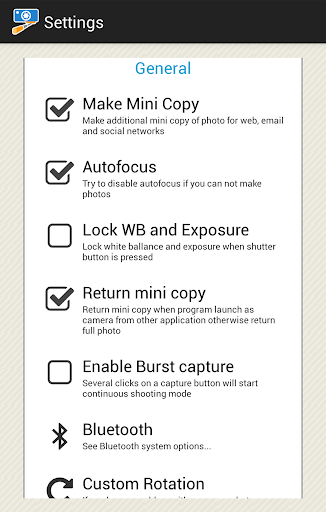
Selfie Camera for the most popular tripods and selfiestick monopods with bluetooth buttons or cable. Now you can press the monopod button and take pictures on your phone. If your monopod has a few buttons, you can adjust the action for each button (Capture, Zoom, Change camera...). Just run "Monopod Connection Wizard" from options. For advanced users, there is a window for the research commands received from the monopod. Of course the program can be used as a camera without a moopod. Photo shot can be done by tapping the screen or on the volume button. Supported monopods: kjstar, selftimer, wii, yunteng and many others. Instructions for connecting a cable monopods: Cable monopods can be not compatible with your smartphone. If monopod is not compatible with your smartphone, then, unfortunately, no program can help in connecting monopod to smartphone. When you connect the cable monopod you must see a headset icon (top panel). If you see headphone icon or no icon, it is a sign that your monopod is not compatible with your smartphone. Be careful! We advise to always check monopod for compatibility before buying.
11 years on Google Play
This app isn't currently appearing in any tracked top charts.