
ShotKam
Available on Google Play
3.2(147)
50,000+ installsFreePhotography
Updated Jan 3, 2025 · v4.3.15




Easily connect the ShotKam Camera to your Android mobile device using this app.
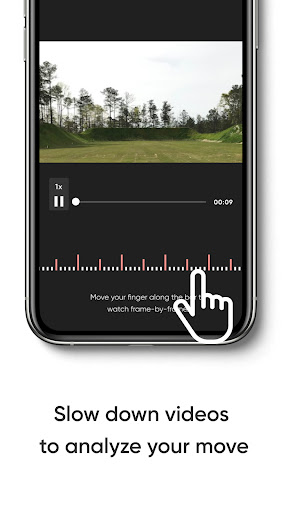
Easily connect the ShotKam Camera to your Android mobile device using this app. Compatible with Android 9 OS or later; not for computers. How to Connect: 1. Turn ON your ShotKam's WiFi 2. Open the Settings app on your mobile device, then connect to the ShotKam WiFi network 3. Once connected, open the ShotKam app Features of the App: - View, download, and delete videos - Save videos to Gallery - Watch shots frame-by-frame - Customize your settings - Calibrate the reticle crosshair
4 years on Google Play
This app isn't currently appearing in any tracked top charts.
Rating breakdown
5★
47
4★
33
3★
9
2★
9
1★
47