
Voice Lock : Speak to Unlock
Updated Jun 4, 2026 · v1.0.6




Lock / Unlock phone with voice command.
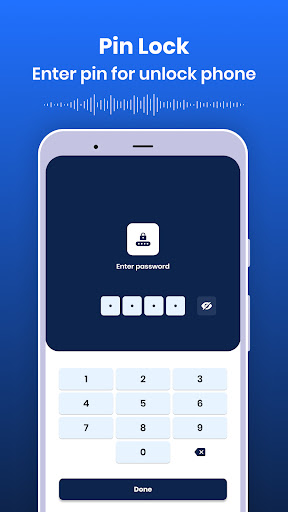
Now lock/unlock your mobile screen without touching. Use voice command as password to Lock/Unlock with Voice Lock App. App Main Features: - Set Voice lock, PIN lock, and Pattern lock for unlocking the device. Here you can also set a security question and answer in case you forgot your set lock. - Set fake icon - Here you will be able to set different icons for this app. - Set theme - Set different picture or photo on lock screen. - You can also enable/disable the unlock sound while the phone is unlocked. - Enable/disable vibrate even when the phone is unlocked. - See the lock screen preview for the picture selected for the lock screen. ##Permission : 1. Record Audio - To access your voice and match it with the lock 2. System Alert Window - To start overlays on other apps
4 years on Google Play
This app isn't currently appearing in any tracked top charts.