
Text Summarizer
Updated Aug 11, 2026 · v5.0.7
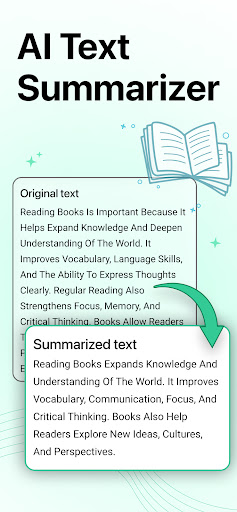


Summarizer used to convert lengthy paragraph into small with text Summarizer.
What is a Summarizing Tool? Summarizing Tool is an AI-based tool that sums up the long text into the shortened one. Summarized text usually has the key sentences that are an overview of the whole context. To understand this tool better, here is the definition by YourDictionary.com: “Summarizing is defined as taking a lot of information and creating a condensed version that covers the main points”. Summarizing tool can convert the 3-4 paragraphs into a single paragraph with just a single click. Here is an example of how the above tool condensed 1000+ words into 200 words Features of Text Summarizer: Whether you want to summarize for educational career or official use, the Prepostseo’s Text Summarizer is very helpful. This is because this tool is accurate and efficient for making an overview of an article. Our Text Summarizer is developed with advanced algorithms that work to understand your content and then generate an overview of your written words. Remember, this tool doesn’t change the meaning of the actual content instead it just understands the whole content and finds the best overview. Here are some of the amazing features of this tool: • Set Summarization Percent This is not obvious that this summary generator would auto summarize the text in random lines instead you can set the percentage of the length of the summarized content. For example, if you want 50% of the summarized content then below this tool, you can use the feature of setting the required percentage. Between 0 and 100, you can easily select any number to get the content according to your requirements. • Show in Bullets This is a button below the tool that can help you to get the format according to your desire. When you are summarizing the content, clicking this button will make your result in the bullets. This is usually helpful when you have made a presentation and you want to convert this presentation into a quick overview for preparation
5 years on Google Play
This app isn't currently appearing in any tracked top charts.