
SAP Work Manager
Updated Jan 25, 2023 · v6.6.1.3.32-f975123


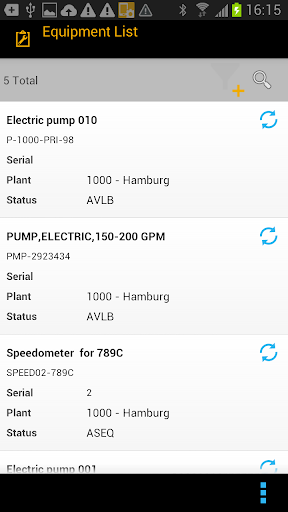


Transform the way you manage your asset-intensive business with SAP Work Manager
With the SAP Work Manager mobile app for Android, you have the tools needed to improve workforce safety and optimize asset life and reliability, as well as streamline processes by eliminating paperwork and shortening work cycles. The mobile app accesses the SAP Enterprise Asset Management (SAP EAM) solution and empowers your workforce with everything needed to efficiently install, inspect, maintain, and repair assets in the field from an Android device. Key features of SAP Work Manager for Android: • Access equipment and functional location details, repair history, and materials needed in real time • View and create work and service orders, operations, measurement documents, material confirmations, and set order status • Create plant maintenance and service notifications, tasks, items, and activities • View linear asset data for assets and work, as well as inspection rounds and PRT • Report time and attendance (CATS) • Get geospatial content, and view 2D and 3D graphic models within work orders, notifications, and assets • Equipment and Functional location master data Note: To use SAP Work Manager with your business data, you must be a user of SAP EAM, with mobile services enabled by your IT department. You can try out the app first using sample data.
12 years on Google Play
This app isn't currently appearing in any tracked top charts.