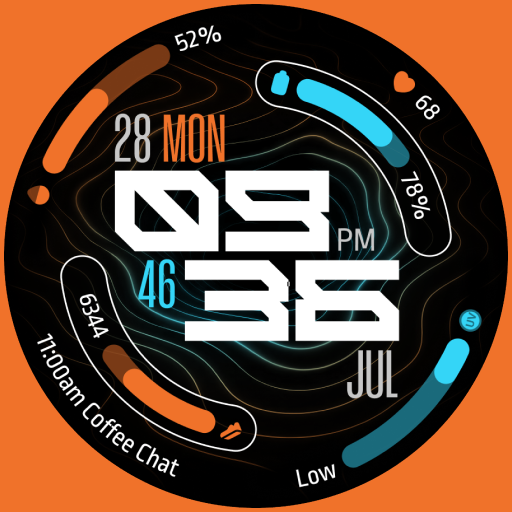
TKS 32 Pulse Watch Face
Updated Sep 21, 2025 · vVARY
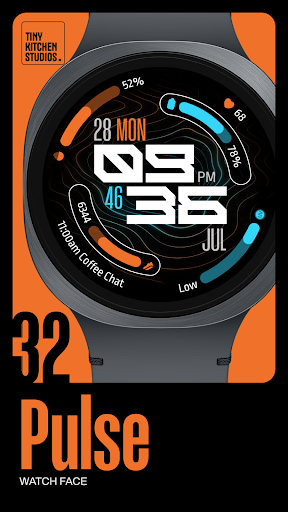


Pulse: A Highly Customizable, Digital Wear OS Watch Face
Pulse: A Highly Customizable, Digital Wear OS Watch Face. Featuring Animated Background, 6 Customizable Complications, and 30 Color Palettes. Key Features: - 30 Color Palettes: Vibrant and Muted Colors. With AMOLED-friendly True Black Backgrounds. - 3 AOD Modes: Show Or Hide Complications In AOD and minimal option, - 12/24 Hour Time Format Support. - 6 Customizable Complications: Calendar Events, Ranged Complications, and Text Complications. - Animated Background. How to Install and Apply the Watch Face: 1. Ensure your smartwatch is selected during purchase. 2. Install the optional companion app on your phone (if desired). 3. Long press your watch display, swipe through available faces, tap "+", and select "TKS 32 Pulse Watch Face". Ran into any issues or need a hand? We're happy to help! Just send us an email at dev.tinykitchenstudios@gmail.com
0 years on Google Play
This app isn't currently appearing in any tracked top charts.