
Screen Mirror for LG Smart TV
Updated Aug 29, 2023 · v1.7

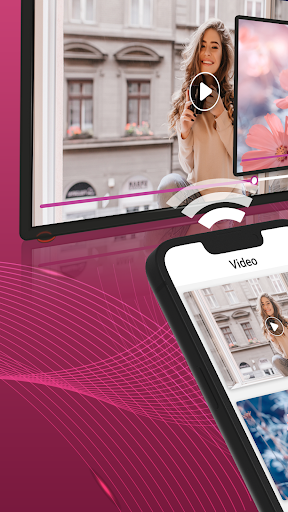


View your Android screen on your LG device tv screen.
Screen Mirror for LG Smart TV is a powerful app for screen mirroring and video & TV casting. LG smart view provides you an awesome user friendly interface. This is a new way to use your phone on the big screen without having to spend money on an expensive screen mirror gadget. it support all LG Model This provides entire mobile screen to your smart TV without any lag or buffering so you can Play Videos, Music and Photos very easily from your mobile. Sharing your screen with TV is very easy with LG TV Screen Mirror. It provides you a secure connection between your mobile and TV to protect your data, files and applications. Please follow below steps to mirror your mobile screen to smart TV: 1. Make sure your TV/LG Device and phone are connected to the same Wi-Fi network. 2. Turn on Mira cast Display function on the TV. 3. Turn on Wireless Display option on your Android phone. 4. Click Select TV button and choose your TV. 5. Screen mirroring cast phone to TV. 6. View your all android screen content on your tv. Disclaimer: This app is not affiliated with LG, LG TV, LG Smart TV or any other trademark mentioned here.
4 years on Google Play
This app isn't currently appearing in any tracked top charts.