
Remote Control : Remotely
Updated Feb 11, 2026 · v8.0


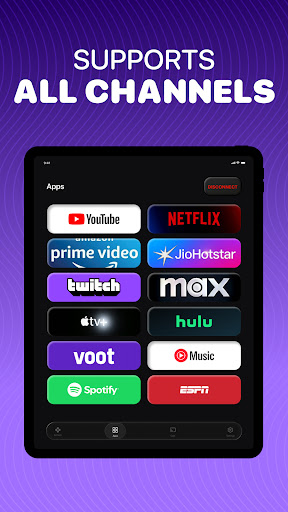
Control your TV instantly with powerful keyboard and touchpad support.
Remotely Remote Control lets you control your TV directly from your phone — fast, reliable, and easy to use. Designed for modern smart TVs, Remotely focuses on what matters most: smooth navigation, precise touchpad control, and a full on-screen keyboard for effortless typing. 🔑 Key Features • Instant TV Control Connect over Wi-Fi and start controlling your TV in seconds. • Advanced Keyboard Input Type quickly on your TV using your phone’s keyboard — perfect for search, apps, and logins. • Smooth Touchpad Navigation Enjoy precise cursor control and swipe gestures for effortless browsing. • Essential Remote Buttons Power, volume, channels, navigation, and playback controls — all in one place. • Multi-TV Support Easily switch between TVs on the same network. ⚙️ How It Works Make sure your phone and TV are on the same Wi-Fi network Open Remotely and select your TV Start controlling instantly — no extra hardware required 🔓 Access & Subscription Remotely allows limited control to get started. Upgrade to unlock unlimited TV control, including uninterrupted keyboard and touchpad usage. Subscription options: • Weekly plan • Yearly plan Subscriptions renew automatically unless canceled through your Play Store account. ⚠️ Disclaimer Remotely Remote Control is a third-party application and is not affiliated with or endorsed by any TV manufacturer or platform. Brand names are used only to describe compatibility. 🚀 Why Choose Remotely? • Clean, modern interface • Best-in-class keyboard & touchpad experience • Designed for speed and reliability • Built for everyday TV control
0 years on Google Play
This app isn't currently appearing in any tracked top charts.