
WFP 347 Infinity watch face
WFProduction by Alexandr Kovalev
Updated Mar 2, 2026 · vVARY


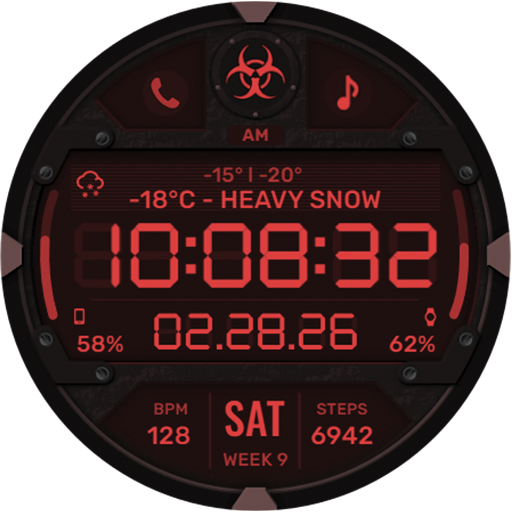
Practical digital watch face. For Wear OS devices
If you want to use widgets for phone charging, calorie information, distance, and more, you'll need to install additional widgets. For installation instructions, please follow this link: https://samsung-watchface.com/settings Buy 1 Get 1 Free Promotion: https://samsung-watchface.com/buy1-get1 FEATURES: — 30 color options; — 7 custom complications (select the information you want to display on the watch face); — Info bar (upcoming events, music tracks, weather forecast, health information, or any other information); — 6 background textures; — Configurable time format: HH:MM:SS or HH:MM (with or without seconds); — 3 bezel types; 1) Analog indexes with luminescent seconds indicator; 2) Digital seconds display, filled with color; 3) Bezel without seconds display; - Black or colored windows; - 5 interchangeable logos; - Weather in Fahrenheit/Celsius; - High resolution; - Highly optimized; - Low power consumption; - Multilingual; Watch face installation instructions: https://samsung-watchface.com/instructions STAY FOLLOWED BY NEWS AND PROMOTIONS: WEBSITE: https://samsung-watchface.com TELEGRAM: https://t.me/SamsungWFP FACEBOOK: https://www.facebook.com/groups/samsungwfp INSTAGRAM: https://www.instagram.com/wearos_watchfaces?igsh=ZGhoOXQwMjV4MWEw Sincerely, Alexander Kovalev
0 years on Google Play
This app isn't currently appearing in any tracked top charts.