
Word Office: PDF Reader, DOCX
Updated Aug 17, 2026 · v0.2.0


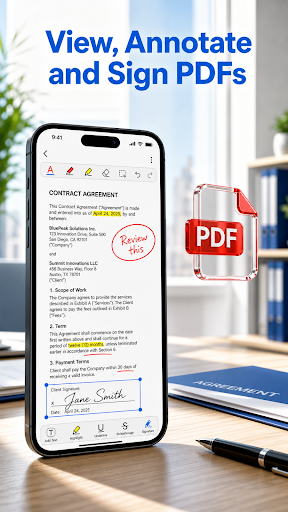


Edit DOCX files, fill and sign PDFs, and open Office documents
Read, edit, and manage documents on Android with Word Office Reader. Open Word documents, PDFs, spreadsheets, presentations, text files, CSV files, and RTF files from your device or another app. Browse recent files and favorites, search inside documents, and keep everyday work organized. Edit and complete documents: - Edit supported DOCX files, then save or share an updated Word copy - Edit text and images only when a PDF can be modified safely - Fill and sign PDFs with text, dates, check marks, and handwritten signatures - Keep Fill & Sign items after saving, closing, and reopening a PDF - Save a copy, print, share, rename, duplicate, favorite, or delete files - Open documents sent from email, chat, cloud storage, or other Android apps - Keep document content on your device by default PDF editing is designed for safely editable content. Scanned, protected, complex, or unsupported PDFs may open in read-only mode. Word Office Reader does not promise desktop-style reflow for every PDF. No account is required. The app is supported by advertising. Anonymous usage analytics can be turned off in Settings.
0 years on Google Play
This app isn't currently appearing in any tracked top charts.