
SIGNificant SignOnPhone
Updated Sep 25, 2025 · v1.14.0




Transform Your Smartphone / Tablet Into a Signature Pad
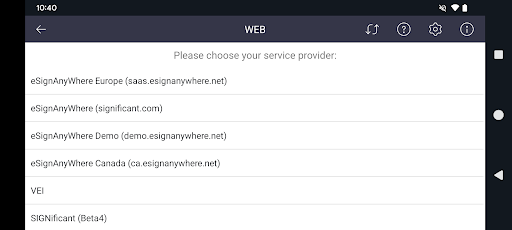
IMPORTANT NOTE: This App works only in combination with other SIGNificant products. Please check to see if you uses proper SIGNificant Software. If you do not, please do not install this app as it will not work. Key Features: • You can review documents or complete form fields and add attachments on any computer and use your smartphone as a signature-capturing device. • When you are ready to sign a document a secure communication between the smartphone and the host computer is established. • The App turns your smartphone / tablet into a signature-capturing device Instructions: • Desktop: Establish a connection via WLAN or Bluetooth between your computer and the smartphone in case you use the SIGNificant desktop application. Then select your computer from the list shown in the App. • Browser: Select the server in the App and scan the QR code in the browser or type in the token if you use the SIGNificant web application. To evaluate / purchase the Windows Desktop App which supports SignOnPhone visit: https://www.xyzmo.com/de/resources/e-signature-downloads
11 years on Google Play
This app isn't currently appearing in any tracked top charts.