
Send files to TV
Updated Sep 17, 2025 · v1.4.22


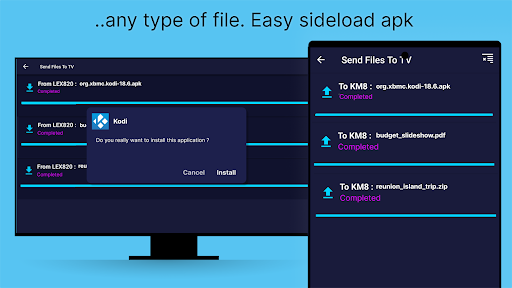
Easily transfer files to your Smart TV android from your mobile or your computer
To see the downloaded files location, check or change the path in the settings panel... SFTTV is a simple application to connect your Smart Tv android, your android mobile device and your personal computer. It allows you to fastly and easily share movies, tv show or ANY files between these devices through your local network. No Internet required. SFTTV is designed to be simple. The application discover automagically other devices on the local network with SFTTV installed. Transfer large files in record time SFTTV is faster than Bluetooth. SFTTV is the fastest and most private way to send files to your TV Cross platform SFTTV runs also on Windows, macOS, and Linux. Files can easily be transferred between machines running different operating systems. In order to use SFTTV on your local network, you will need to install the android application on your TV and on each device that you wish to use for transferring files. SFTTV has a really easy to use user interface ! Visit https://sendfilestotv.app for more details.
7 years on Google Play
This app isn't currently appearing in any tracked top charts.