
Screen Mirroring + Chromecast
Updated May 2, 2026 · v1.34


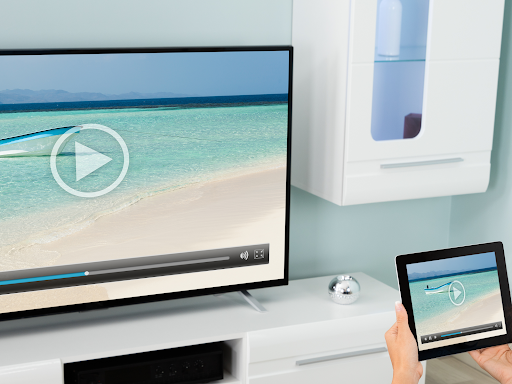
Mirror your screen to Chromecast and Android TV - Super fast and simple
Mirror your screen in real-time with HD quality to Chromecast and Android TV. Share your screen on any Chromecast and Smart TVs with Chromecast built-in (Google Cast), such as Xiaomi Mi TV, Sony Bravia TV, TCL TV, Vizio TV, Hisense TV, Philips TV, Sharp TV or NVidia Shield Gaming Console.. Screen Mirroring is the most powerful screen sharing tool. Share your photos, videos, games, websites, apps, presentations and documents with your friends and family. * Best device support: The app supports all Android devices with Android 5.0+ and all Chromecast and Android TVs. * Super easy and unified setup on all Android devices. No need to change Android settings or Wi-Fi options. * Performance is best when you have good Wi-Fi network conditions. 5Ghz Wi-Fi is recommended. * Sound is supported on Android 10+ * For support or feedback, please contact us via e-mail to info@screenmirroring.app This app is brought to you by the developers of VIDEO & TV CAST, the #1 video casting app in the world with more than 100.000.000 downloads across all platforms and devices. Disclaimer: This app is not affiliated with any of the trademarks mentioned here. This app was not created or endorsed by Google.
3 years on Google Play
This app isn't currently appearing in any tracked top charts.