
Design Blur : Radial Blur
Updated Jun 12, 2018 · v2.0.2

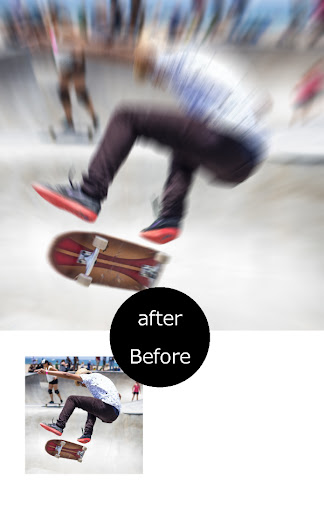


Select a photo Touch the part you want to focus.Radial Blur,motion blur.
This is the app to make a simple to radiation blur. Very simple and convenient photo editing. Touch the part you want to focus. Basic operation This is the only. --- Features --- - This will get the background blur effect like professional photographer. - Very simple to use with friendly user interface. - Shallow focus photo in the background of the image. - Motion Blur image background effect. - Movement photo effect. - Use brush to where you want. - Share freely on social network. --- How to use --- - Load image from album or library. - Select a photo - Touch the part you want to focus. - Turn off the unwanted effects in the eraser. - Save or share. Have fun using Design Blur (Radial Blur) It is very simple app. This app is all free. thank you
11 years on Google Play
This app isn't currently appearing in any tracked top charts.