
InImageCountTool byNSDev
NIHON SYSTEM DEVELOPER CORPORATION
Updated Nov 19, 2024 · v1.1.9

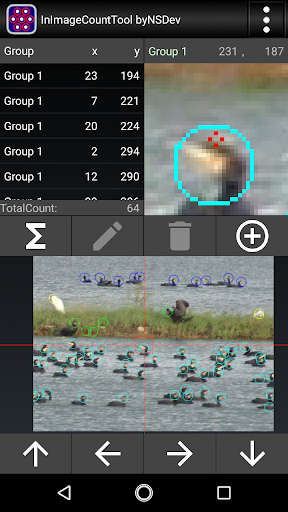


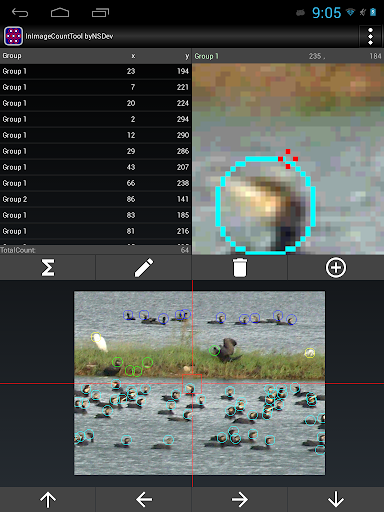

A tool for counting objects in an image and obtaining their positions.
*Overview A tool for counting objects in an image and obtaining their positions. This is useful for bird watching, chromosome observation, and other things that cannot be counted right away, such as taking pictures with a digital camera and counting them later. It is also used to check the location of competing stores using map images. *How to use In the image, you can move the point you want to count to the center of the enlarged screen on the upper right and tap the add button to add points and count the number. *Functions It can be divided into 20 groups and counted. You can change the line color so that it is easy to see according to the image. You can change the enlargement ratio of the enlarged window and the entire window. Tap the top to zoom in and tap the bottom to zoom out. By default, the same point cannot be tapped, but in group settings, it can be changed to another group or all. The counted result can be output together with the coordinate value in CSV format (character code can be specified) that can be used in Excel. You can save an image with a point mark displayed when it is counted. *Request Please post in the review. We will respond as much as possible. *Other The company names, product names, and service names mentioned in this explanation are trademarks or registered trademarks of the respective companies.
7 years on Google Play
This app isn't currently appearing in any tracked top charts.