
Draw on a paper
Updated Jan 4, 2020 · v2.7.5


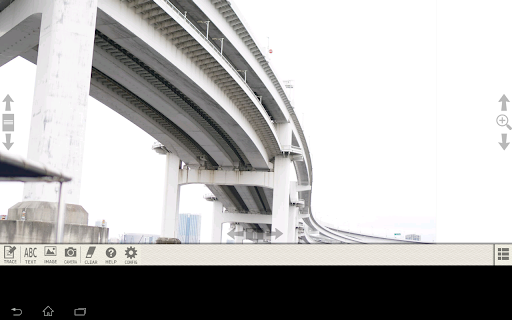


This app turns your phone/tablet into tracing light box!
It is an application for drawing pictures or illustrators and writing letters on a paper by tracing images on the screen. We recommend this app to following users. - Who wants to draw good pictures/illustrations. - Who wants to write beautiful letters. How to use - If you want to draw good pictures/illustrations. 1. Load a stored image or take a picture you want to draw 2. Adjust the position and size of the image 3. Lock the screen by tapping "TRACE" button 4. Place a paper on the screen and trace the image - If you want to write beautiful letters. 1. Enter the text you want to write by tapping "TEXT" button 2. Select a font and the properties of the text 3. Tap the position of the text 4. Lock the screen by tapping "TRACE" button 5. Place a paper on the screen and trace the text *About fonts This application using following fonts ・IPA明朝 http://ipafont.ipa.go.jp/ipa_font_license_v1.html ・kawaii手書き文字 http://font.spicy-sweet.com/ ・英椎行書 http://www.ac-font.com/jp/detail_jb_007.php ・Nickainley-Normal http://www.dafont.com/nickainley.font *About library This application using following library ・android-gpuimage - https://github.com/CyberAgent/android-gpuimage/blob/develop/README.md - license : http://www.apache.org/licenses/LICENSE-2.0
9 years on Google Play
This app isn't currently appearing in any tracked top charts.