
SABIS® E-books
SABIS EDUCATIONAL SERVICES SAL
Updated Jun 17, 2026 · v3.10.28




Download SABIS® E-books and access a wide range of interactive features.
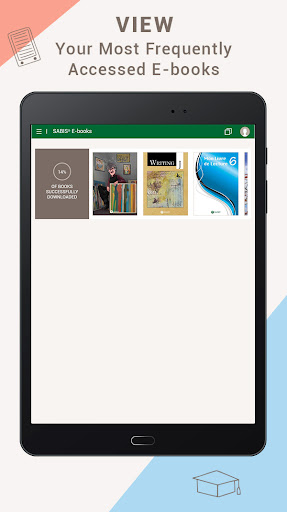
STUDENTS’ COMPREHENSIVE COLLECTION OF SABIS® E-BOOKS IN ONE PLACE! SABIS® E-books allows students to easily download and access their e-books on their tablets while benefiting from a wide range of user-friendly educational tools specifically designed to create a seamless learning experience for students of all grade levels. With SABIS® E-books, students can: • Log in to your bookshelf to view a comprehensive list of e-books. • Search for a particular e-book and navigate between available subjects. • Download one or more e-books. • Access previously downloaded e-books using offline mode. The SABIS® E-book Reader provides SABIS® students with a variety of tools and features that enhance their learning experience. Aside from viewing and navigating through the contents of an e-book, students can also benefit from: • Multifunctional Toolbar: o Access available multi-media resources such as images, videos and animations, audio files, and more. o Practice interactive computer-correctable questions. o Search for a specific word or multiple words within an e-book. o Create and customize white pages and notes to be used as personal notepads. o Create personalized bookmarks and quickly access them. • Glossary: view the embedded definitions of a word within the pages of an e-book and listen to the proper pronunciation through the embedded audio. • Dictionary: view instant definitions including embedded audio for proper pronunciation. • Draw and Highlight Tools: insert shapes and add annotations in different sizes and colors using a highlighter or a pen. • Quick Navigation: access different pages of an e-book through the interactive Table of Contents or the built-in “go to” feature. SABIS® E-books efficiently streamlines the subject knowledge transfer to each student through a modern, user-friendly, and interactive educational experience.
8 years on Google Play
This app isn't currently appearing in any tracked top charts.