
Drive Cycle Procedure
Updated Nov 20, 2023 · v1.3
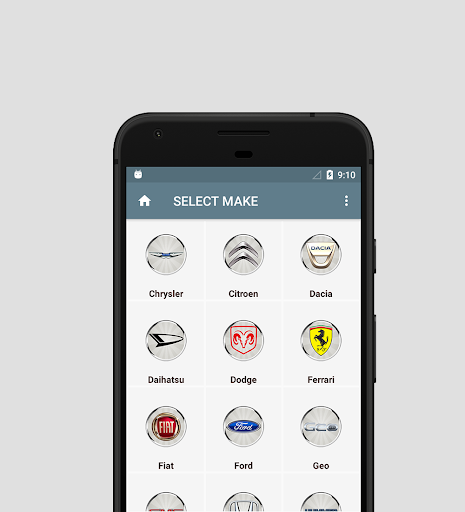


Step by Step Drive Cycle Procedure for your car
OBD2 drive cycle is to let your car run on-board diagnostics. This in turn, allows the readiness monitors to operate in vehicle. And detect potential malfunctions of your car’s emission system. The correct drive cycle for your car can vary greatly depending on the car model, engine and manufacturer. Also, the monitor in question affects the required drive cycle procedure. Many vehicle manufacturers include these drive cycles in the vehicle owner’s manual. A few days of normal driving, both city and highway, will make the monitors ready. The following drive cycle app can be used as a guideline if a specific drive cycle is not known. However, Drive Cycle app may not work for all cars and monitors. But It can work with your car! Readiness Monitor types: (depending on vehicle support) 1. Continuous monitors: Misfire, Fuel System, Comprehensive Component. 2. Non-continuous monitors: Gas (Catalyst-CAT, Heated Catalyst, Evaporative-EVAP, Secondary Air System, Oxygen-O2, Oxygen Sensor Heater, EGR (Exhaust Gas Recirculation) and/or VVT System); Diesel (NMHC Catalyst, NOx/SCR Aftertreatment, Boost Pressure, Exhaust Gas Sensor, PM Filter, EGR and/or VVT System) How to use? 1. Select make 2. Select drive cycle monitor 3. Step by step drive cycle procedure
9 years on Google Play
This app isn't currently appearing in any tracked top charts.